ToastBuddy for iPhone
Take the speech into the room.
Write from a real memory, practice until the shape feels natural, and keep the next beat close when it is time to speak.
Cue Card Studio
Available in version 1.4.0
Your deck, from first edit to final card.
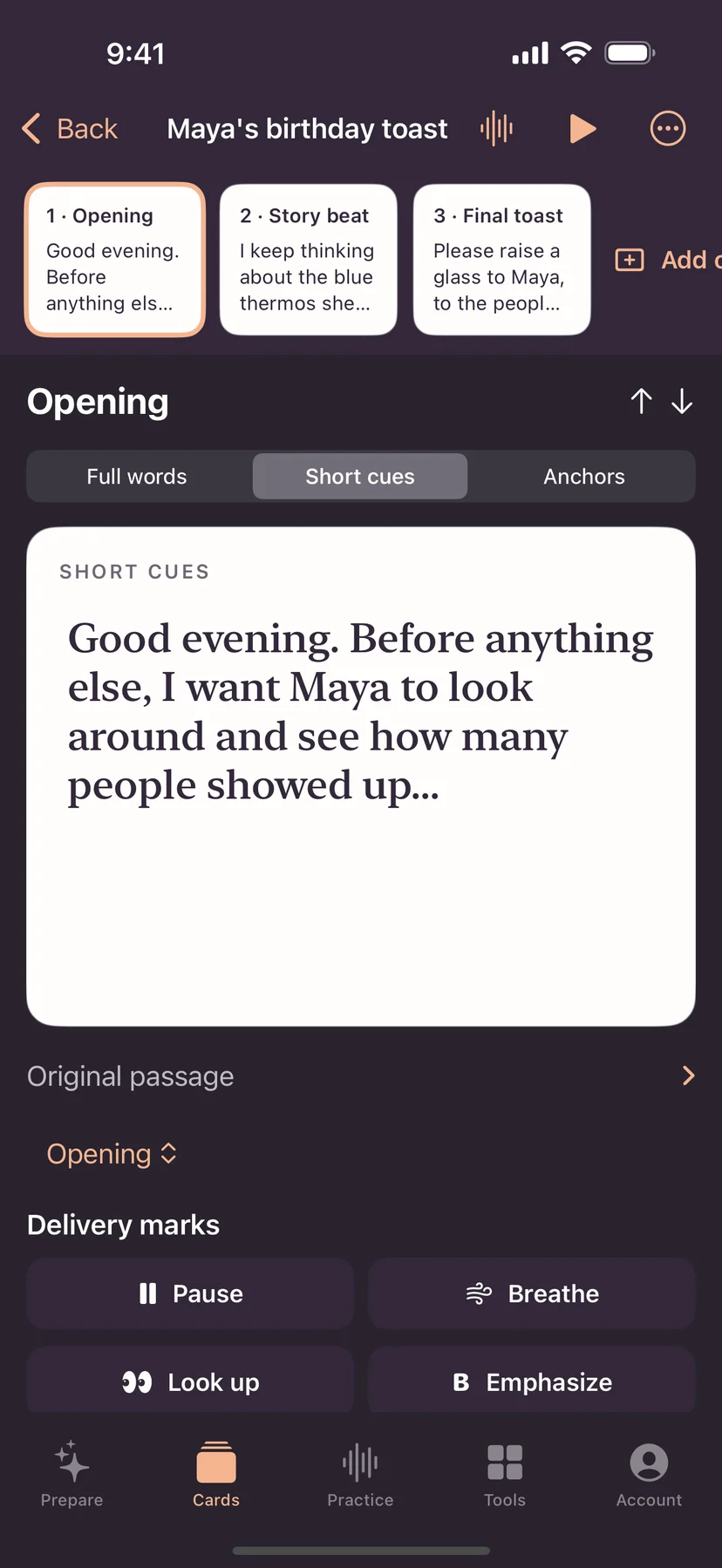
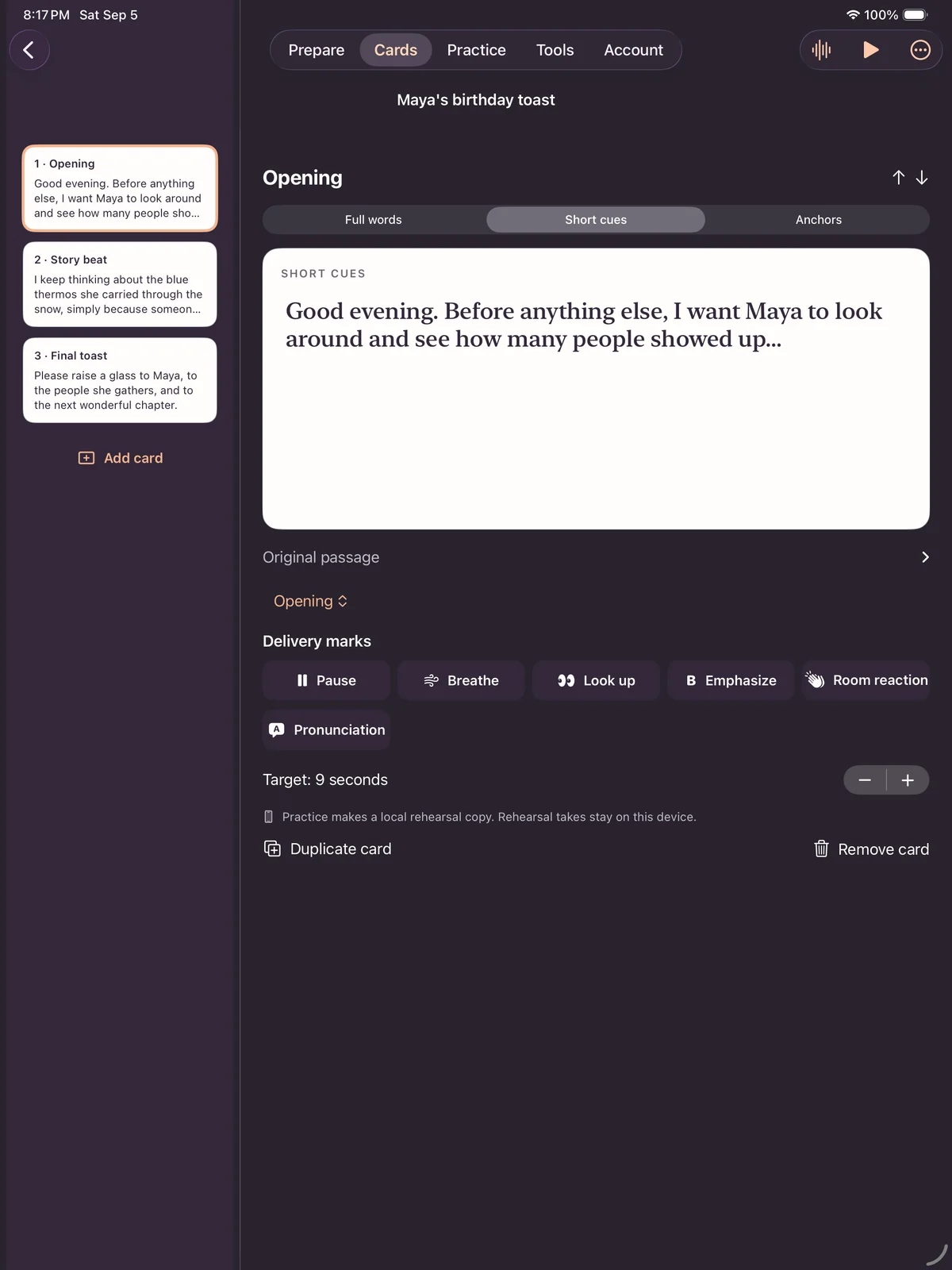
Create and reorder structured decks, move between full words, short cues, and anchors, and carry timing and speaker marks across signed-in devices.
See the iPhone app
From a page of words to a moment of confidence.
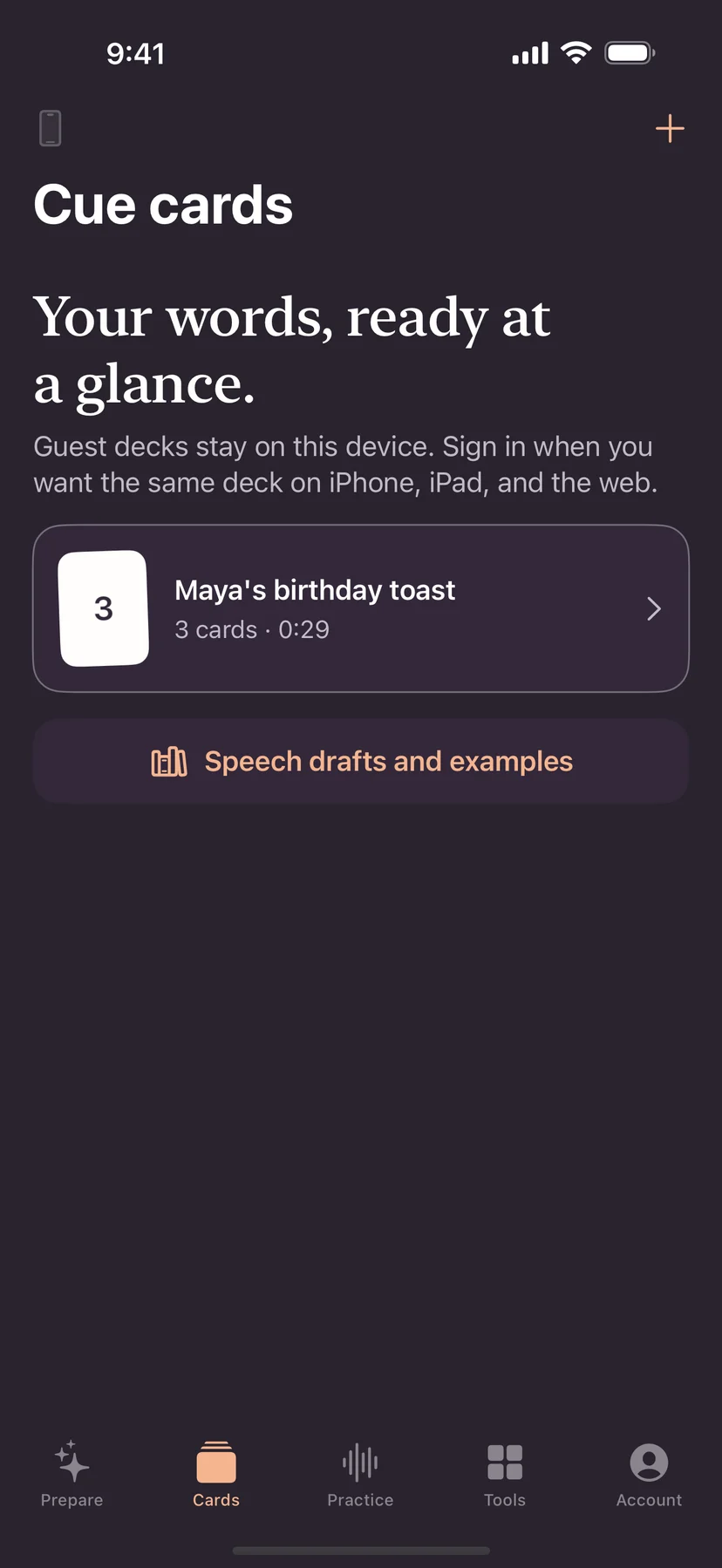
Follow a real walkthrough: make a deck, shape the prompts, then move through your speech one card at a time.
Silent demo with on-screen captions. Recorded in ToastBuddy version 1.3.
Read the walkthrough
- Paste your speech and turn its paragraphs into a deck.
- Keep the full wording while shaping shorter cues.
- Add reminders for pauses and eye contact.
- Start delivery, move between cards, and recover your place when you need to.
The full rehearsal loop
Prepare for the room, one moment at a time.
- 1
Find the story
Start with the memory, detail, or feeling you want the room to remember.
- 2
Practice the actual words
Rehearse out loud and use real timing to see where the speech needs work.
- 3
Carry only the prompts
Move from the full speech to cue cards that help you look up and keep your place.
Try the web tools
Start on the device in front of you.
Make cue cards, check the length, or practice a take in your browser.
Ready to practice?